Privacy first
Seven questions to ask before buying a kids' tracker
Roundups of kids' trackers usually compare features. These seven questions compare what living with the product will feel like, for you and for your kid.
By the HUUUG team · Updated
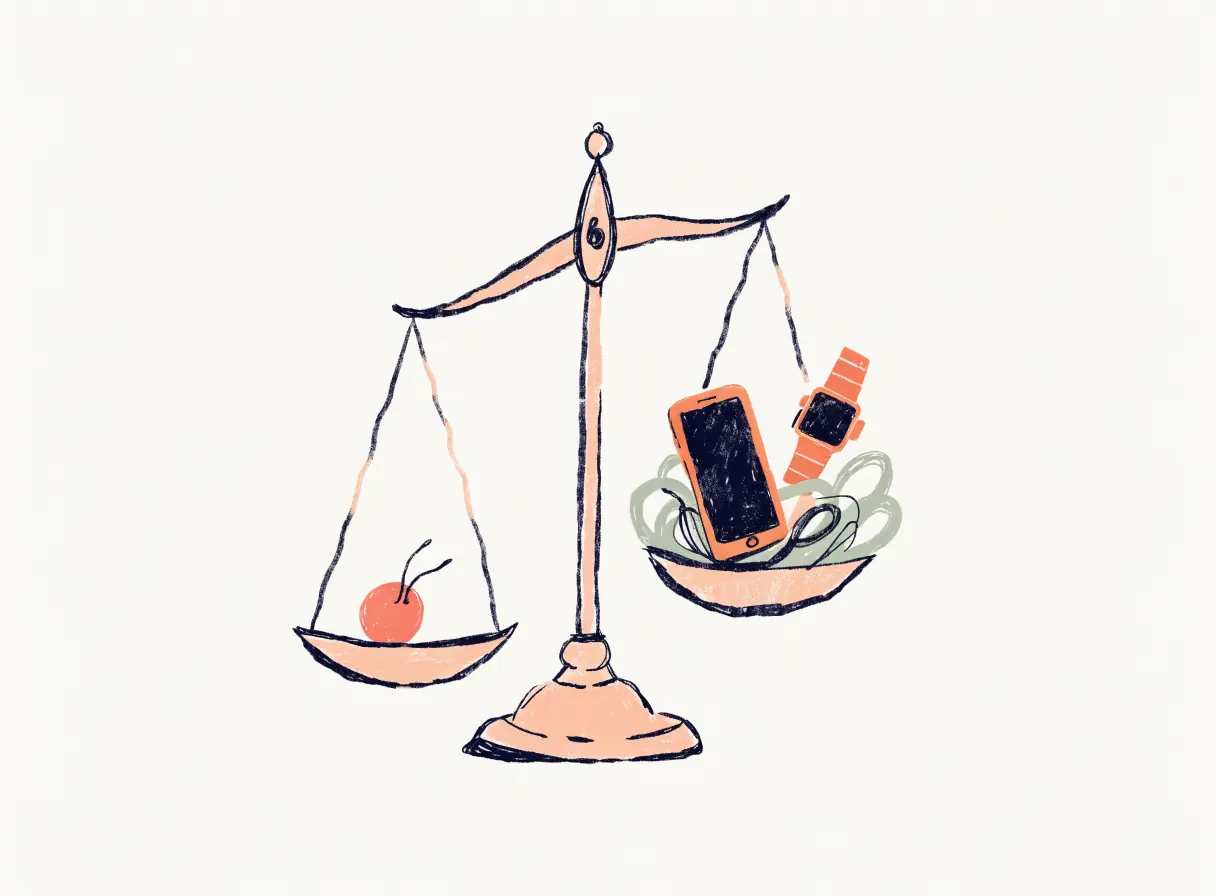
1. What does my child have to carry?
A phone, a watch with a screen, or a tag with none? Each step up adds capability and adds a screen. See kids' smartwatch vs. tag.
2. Was it designed for children?
Some popular trackers are designed for belongings. Apple, for example, says AirTag is for locating belongings, not people. See HUUUG vs AirTag.
3. What will I see when I open the app?
A map with a moving dot invites checking. A plain status ("at school") can be read in a second and put away. One sentence, not a map →
4. How often will it notify me on an ordinary day?
Count it. Arrival and departure alerts for school alone can mean twenty notifications a week that all say "normal." Why HUUUG sends zero on ordinary days →
5. What does it keep, and for how long?
Ask about location history, retention and deletion. Read what a tracker should collect.
6. What does it cost over time?
Look past the device price to any plan, and to what happens to features if you stop paying. (HUUUG hasn't announced pricing.)
7. Will my child know?
If the answer is "they won't find out," think again. Kids find out. Telling your kid →
Further reading
- The screenless category grew up: how to read a GPS tracker roundup without getting upsoldReview sites now list 'best screenless alternative' as its own product tier — which sounds helpful, until you notice how many of those picks still require a smartphone. Here is how to read those guides with clearer eyes.
- The minimum viable technology test for a young kidWhen the question shifts from 'should my 8-year-old have a phone?' to 'what's the least tech that keeps them reachable?', it becomes a design problem worth thinking through carefully. Here is a simple framework for comparing the options.
- Feature bloat is the new surveillance: why kids' safety apps keep adding things you never wantedThe apps designed to help you worry less keep adding features that make you worry more. There's a better way to think about what a safety tool is actually for.