How it works
A tag, a few nests, and an app that stays quiet
Step 1
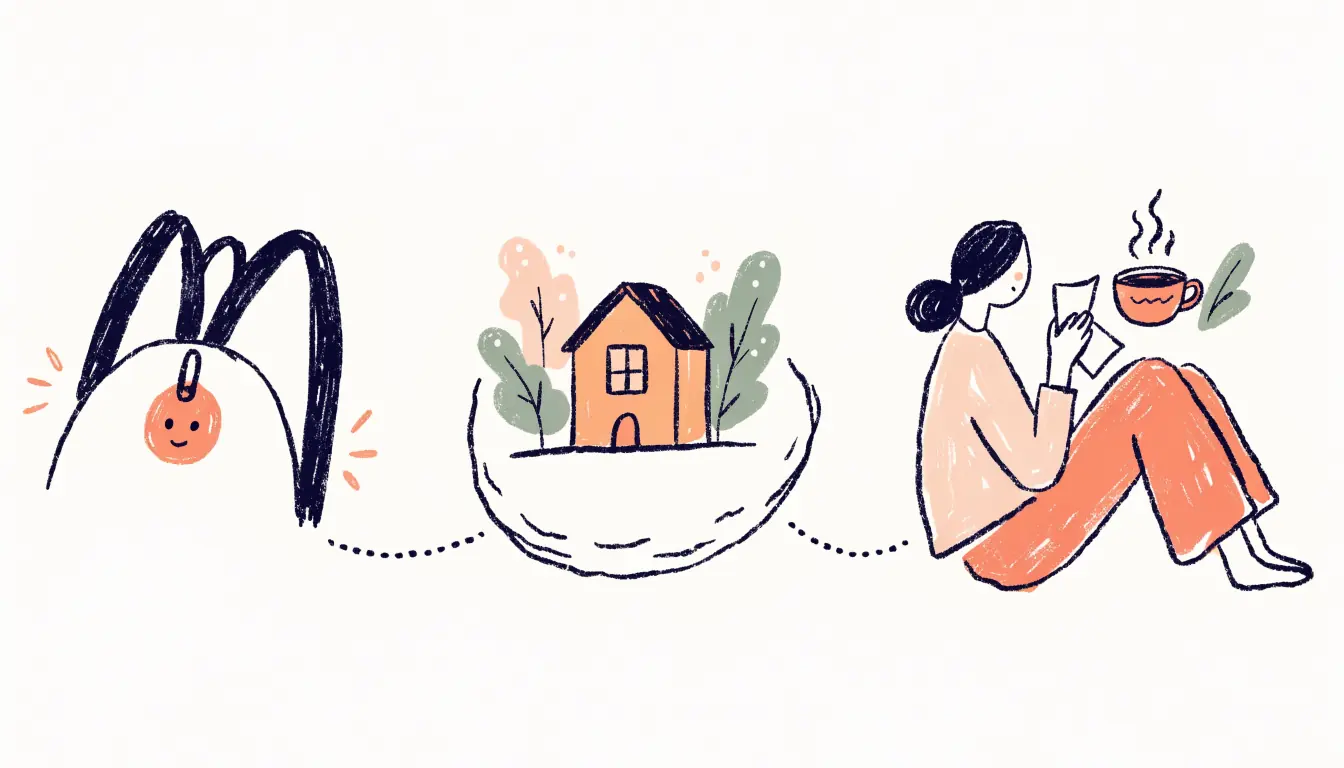
Your kid carries a small tag
The tag is small and has no screen: nothing to scroll and nothing to play. It clips to a bag or goes in a pocket. Your kid doesn't need a phone.
Step 2
You pair it with one scan
Open the HUUUG parent app (iOS or Android) and scan the QR code on the tag. That's the pairing step. One-scan pairing →
Step 3
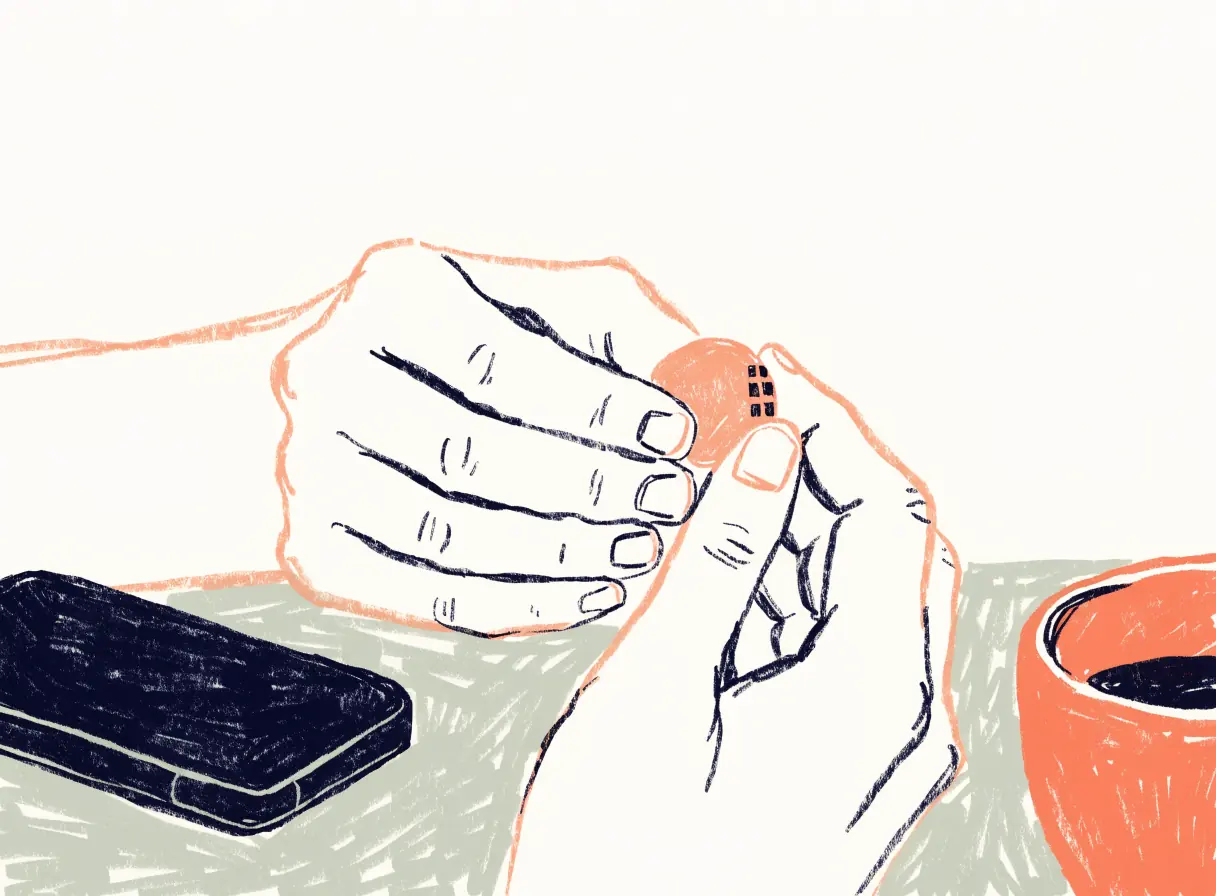
You name the nests
Nests are the places that matter: home, school, Grandma's, the after-school club. Once a nest exists, the home screen can say where your kid is in words. Nests →
Step 4
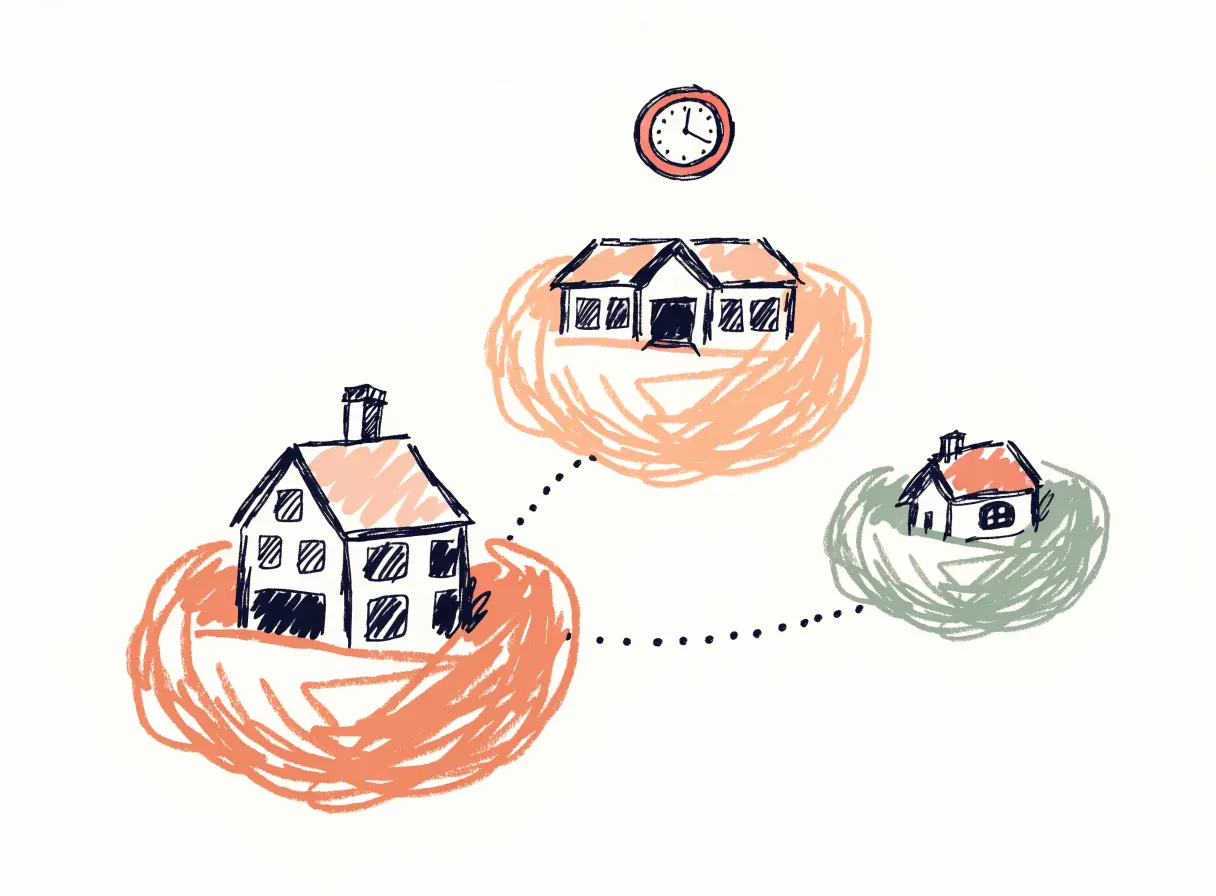
You give a rhythm where timing matters
A rhythm is a plain rule like "there by 08:30 on weekdays." A nest without a rhythm never notifies you. A nest with one tells you only when the day breaks it.
Step 5
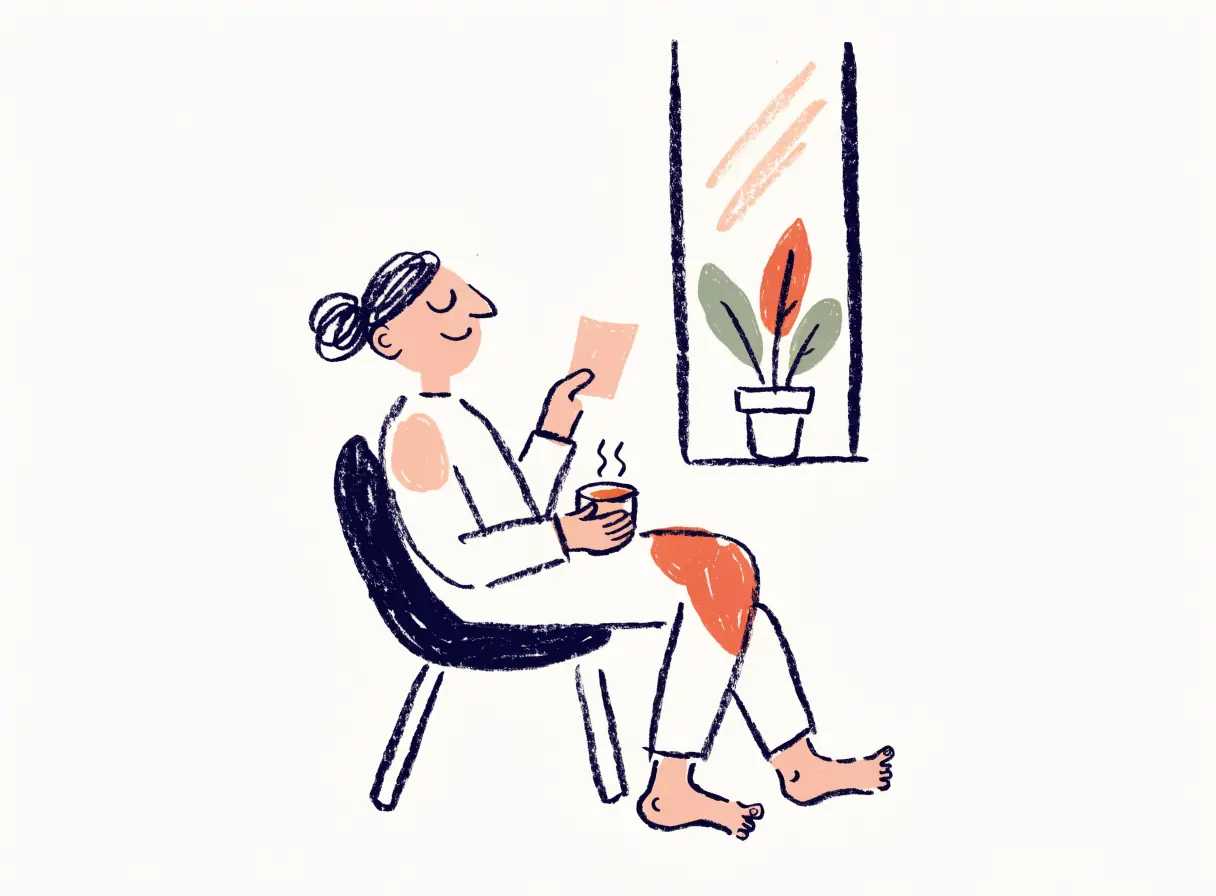
You tell your kid
The last step of setup is a conversation. Show them the tag, tell them what it does and what it doesn't, and let them choose where it lives. Why this step matters →
Step 6
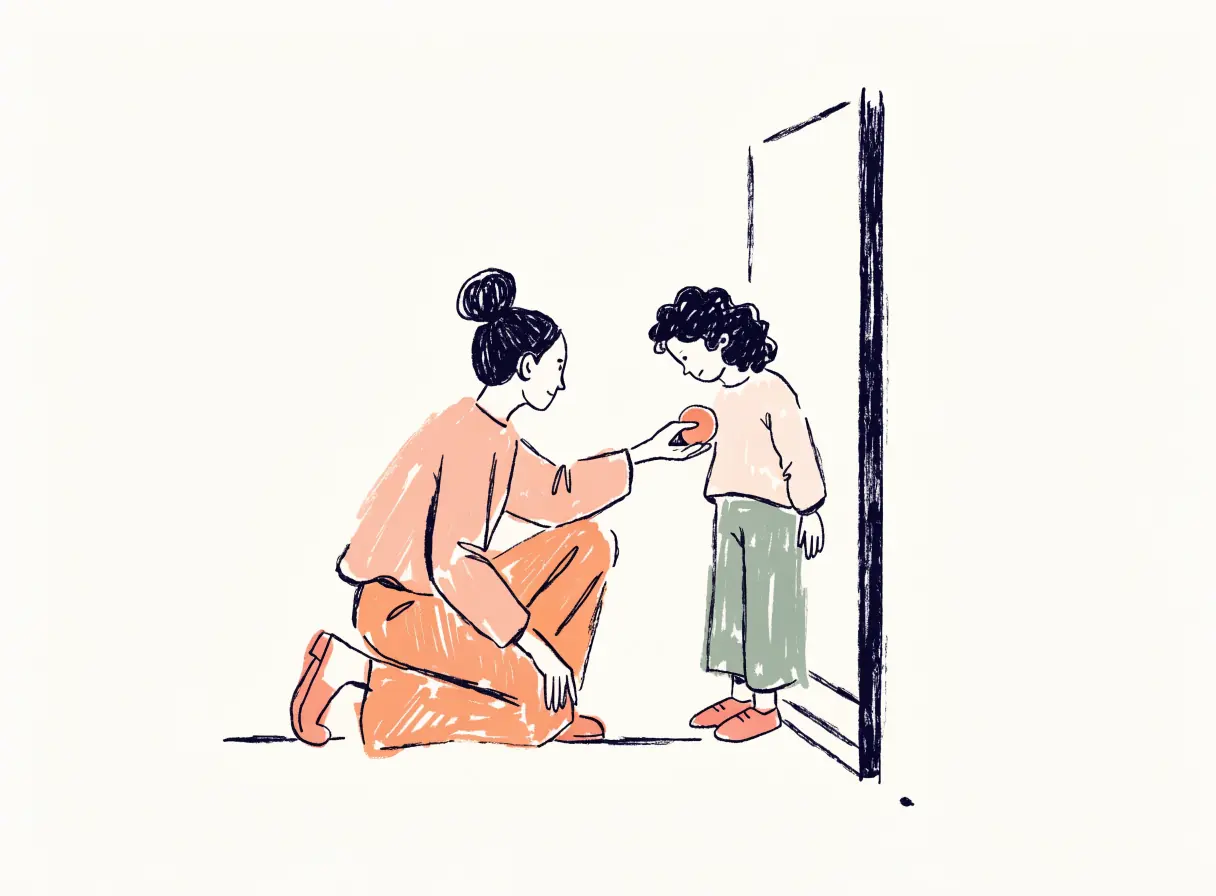
Then, mostly, nothing happens
On an ordinary day you get zero notifications. When you open the app, you read one sentence: "Noemi's at school." HUUUG speaks up only when your kid left earlier than usual, isn't there by the expected time, or the tag has gone quiet. Quiet by default →
Before the tag ships: simulation mode
The app can run on simulated data so you can see how it feels before you have a tag. Simulated data is always labelled as simulated. Honest by design
Be first to know when HUUUG is ready
HUUUG isn't available yet. Leave your email and we'll send one quiet note when it is.
No spam. Just an email when we're ready.