Feature
Pairing takes one scan
Pairing a HUUUG tag is one step: open the parent app and scan the QR code on the tag. No codes to type, no account numbers to read off a box.
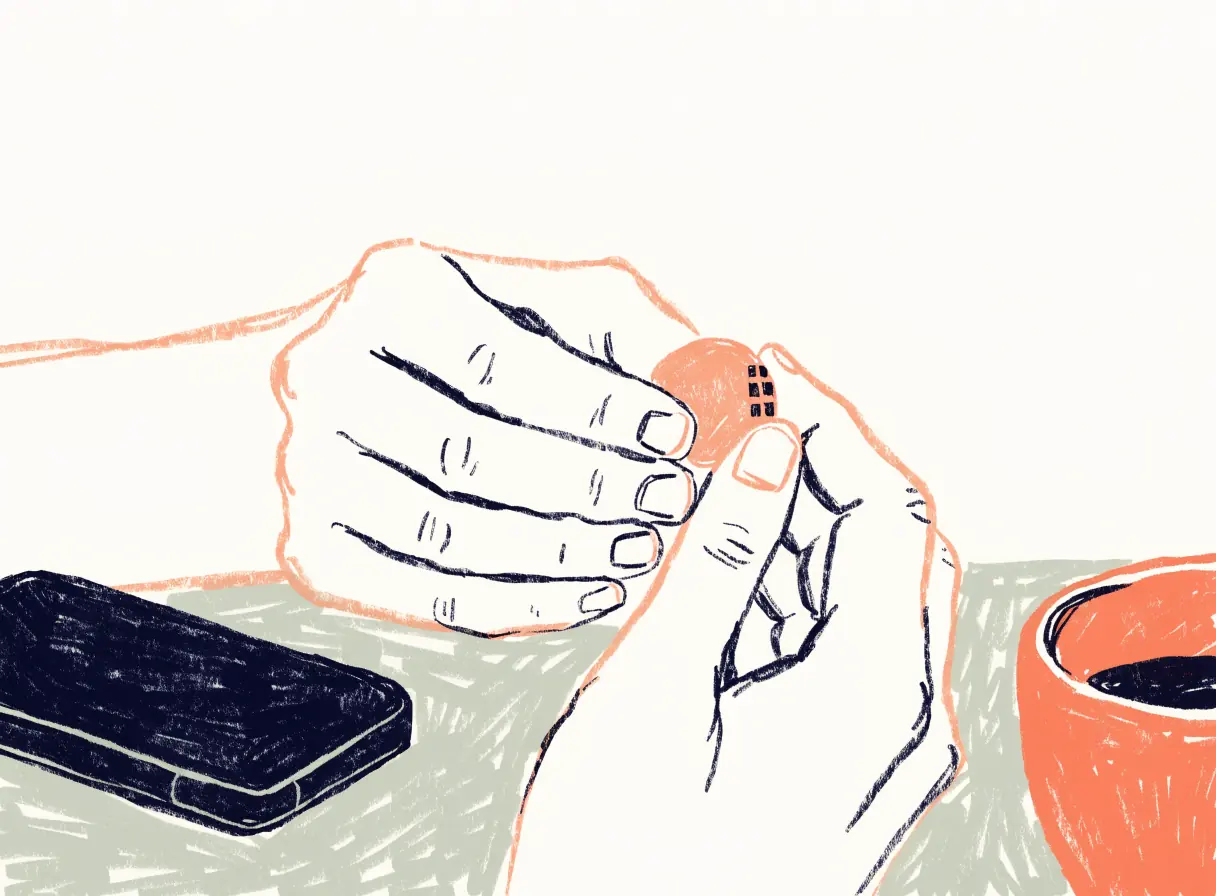
Setup, start to finish
- Install the parent app on your phone (iOS or Android).
- Scan the QR code on the tag. That links this tag to your app.
- Name your nests: home, school, wherever your kid spends their days.
- Give a rhythm to the nests where timing matters, like "there by 08:30 on weekdays."
- Tell your kid. The last step is a conversation, not a setting.
One child, one tag
The first version of HUUUG is built around one child and one tag per parent app. That's a deliberate simplification. It keeps the home screen to one sentence.
When can I pair a tag?
Not yet. The tag isn't shipping and there's no date. You can read how it works now, and the waitlist is the way to hear when it's ready.
Common questions
Do I need to create an account to pair?
Pairing is done by scanning the tag's QR code from the parent app. We'll publish the full setup steps when the app is available.
Can two parents pair the same tag?
Not in the first version. Sharing between multiple parents isn't included yet.