Feature
The last step is telling your kid
Setting up HUUUG ends with a step that isn't technical at all: telling your kid. Not as fine print, but as the last thing the app asks you to do before you start.
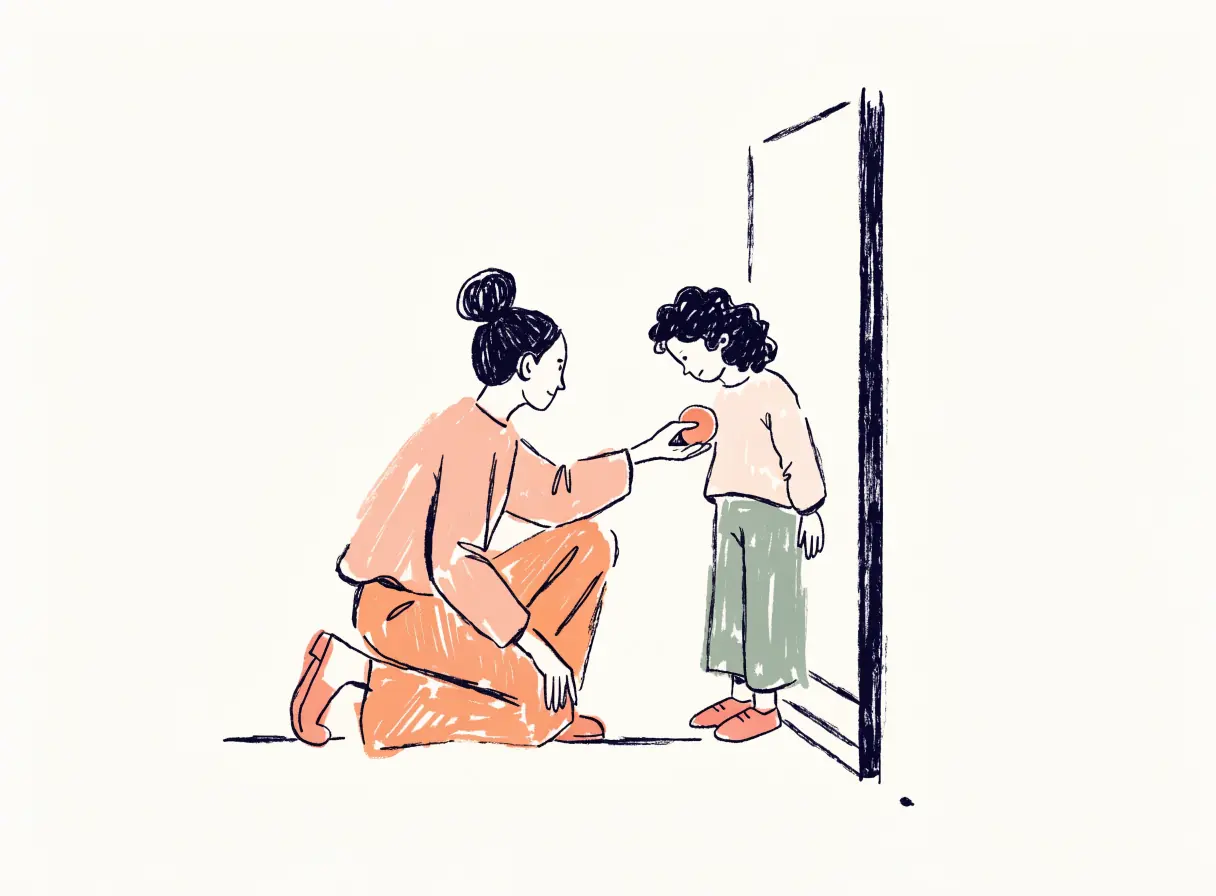
Why it's part of setup
A tag in a backpack is easy to hide, and it would be easy to build an app that never mentions your child at all. We think that's the wrong design.
When kids know, the tag becomes something you share, a way of saying I trust you to go, and I'd like to know you got there. When they find out later, the same tag reads as suspicion.
What to say
Keep it short and true. Something like:
"This little tag lets my phone know if you're at school or at home. I won't be watching you all day. It only tells me if something's different, like if you're not at school when you usually are."
Then let them hold it, ask questions, and decide where it lives in their bag. We wrote a longer guide on how to tell your kid you can see where they are.
Honesty runs both ways
HUUUG holds itself to the same rule it asks of you. When the app is showing simulated data, it says so. When the tag has gone quiet, it says so. If we ask you to be straight with your kid, the app should be straight with you.
Common questions
Can I skip the 'tell your kid' step?
It's the last step of setup and we ask you to do it. We can't check that you did, but the app is designed around a child who knows.
What age should I tell my child?
Any age where they can understand 'this tells me if you're at school.' For most kids old enough to carry a tag, that's already true.