Glossary
What is a geofence? Meaning, how it works, and how kids' trackers use it
A geofence is a virtual boundary drawn around a real place, such as a home, a school or a car park, so that software can tell when a device enters or leaves it. When that happens, the software can do something: send a notification, log the time, or switch a setting.
Updated
Geofence meaning, in plain words
Think of drawing a circle on a map around your child's school. The circle is the geofence. A device that knows its own position, like a phone, a smartwatch or a tracker tag, checks every so often whether it's inside the circle. Crossing the edge is the event that triggers an action.
The word is used in a few different worlds, which is why searches for it can be confusing:
- Family and kids' location apps: "let me know when they arrive at school." This page focuses on that use.
- Cars and fleets: an alert when a vehicle leaves an allowed area.
- Marketing: showing ads to phones that enter a particular area.
How geofencing works
- The device works out where it is, usually from satellite positioning (GNSS, including GPS), helped by Wi-Fi and mobile networks.
- It compares that position with the boundary. To save battery, most devices don't check constantly; they check periodically or when they detect movement.
- When it crosses the edge, the app records an "enter" or "exit" event and may send a notification.
Because positions aren't perfect and checks aren't continuous, very small geofences tend to be unreliable. Google's Android documentation, for example, recommends a minimum geofence radius of 100–150 metres for best results (Android Developers).
Why geofence alerts can be late, early or noisy
- Position drift. Indoors and between tall buildings, satellite positions wander, so a device can appear to "leave" a place it never left. See how accurate is GPS.
- Check intervals. If a device checks every few minutes, the alert can arrive minutes after the real arrival.
- Volume. An alert for every arrival and departure adds up to dozens a week, almost all of them saying "everything is normal". That's alert fatigue: you start swiping them away, including the one that matters.
How kids' trackers and family apps use geofences
Most family location apps let you create places, often called "safe zones" or "places", and get a notification when your child arrives or leaves. Our comparisons show how Life360, Apple Find My, Google Family Link and kids' smartwatches each handle it, with sources.
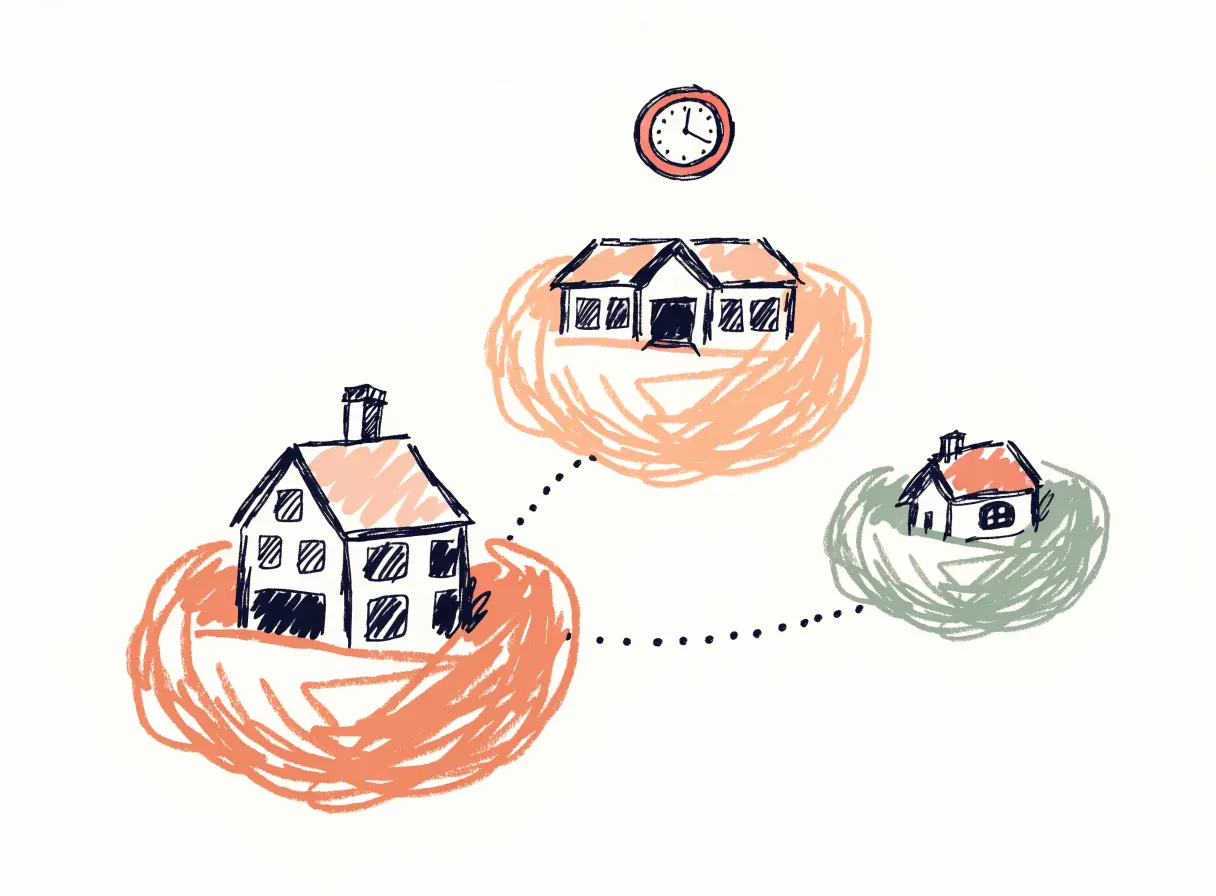
HUUUG uses the same idea differently. Its places are called nests, and a nest is silent until you give it a rhythm, like "there by 08:30 on weekdays". After that, HUUUG only speaks when the day breaks the rhythm: your kid left earlier than usual, isn't there by the expected time, or the tag has gone quiet. Arriving on time sends nothing. Why that matters →
Tips for setting up a geofence for your child
- Make it big enough to cover the whole site, plus some margin for position drift.
- Only add places where timing matters. Home and school usually; not every friend's house.
- Prefer "didn't arrive" over "arrived". Being told only when something is off is calmer than a ping for every normal arrival.
- Tell your kid what the app does. It's the last step of setting up HUUUG for a reason.
Common questions
What does geofence mean?
A virtual boundary around a real-world place. Software uses it to detect when a device enters or leaves that place.
What is a geofence alert?
A notification sent when a device crosses a geofence's boundary, for example "arrived at school" or "left home".
How accurate are geofence alerts?
Only as accurate as the device's position and how often it checks. Small geofences and indoor locations are the least reliable.